Accounting software,
down to the last DollarPoundEuroDirhamRiyalRupee
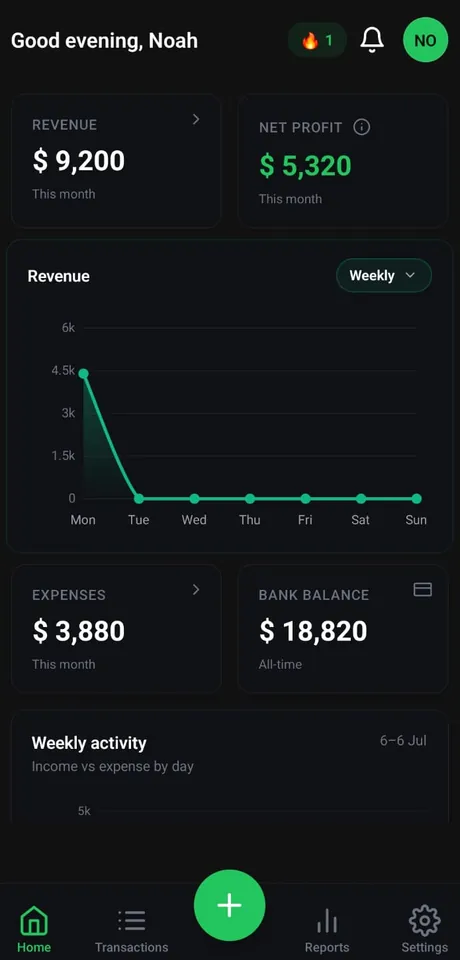
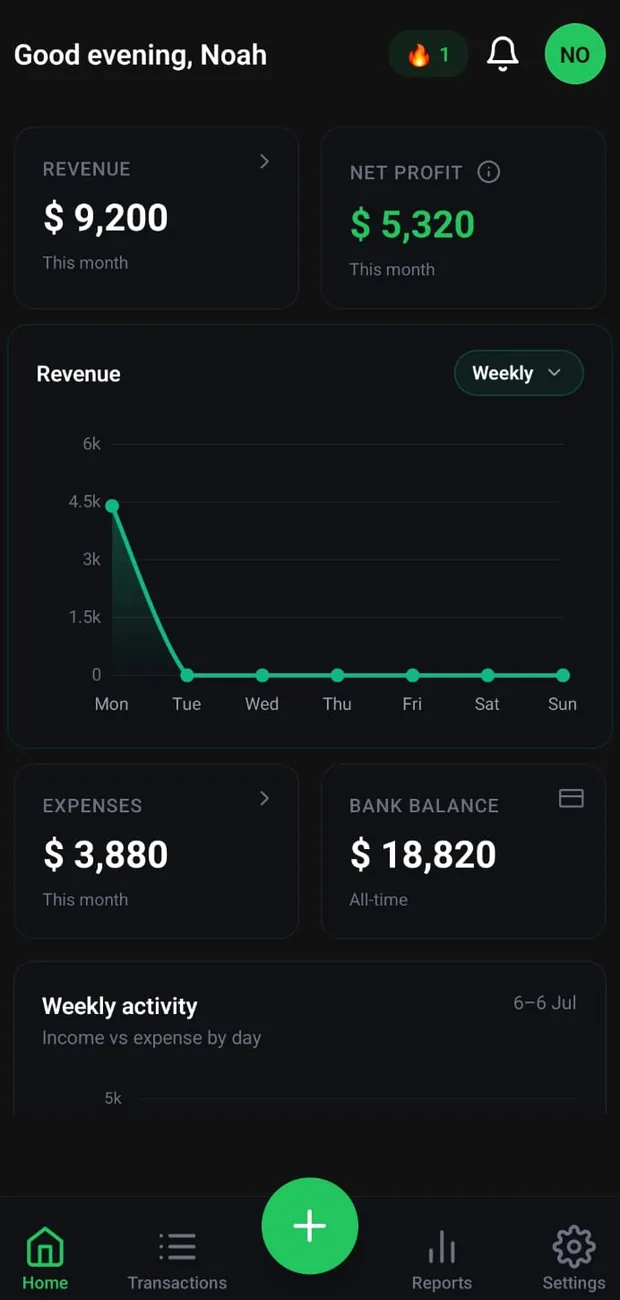
Snap receipts, import your bank statement, and send invoices — Wise Ledger turns everyday money moves into Profit & Loss, Balance Sheet, budgets and tax, automatically.

Less admin. More business.
The busywork runs on autopilot, so your books stay current without the data entry.
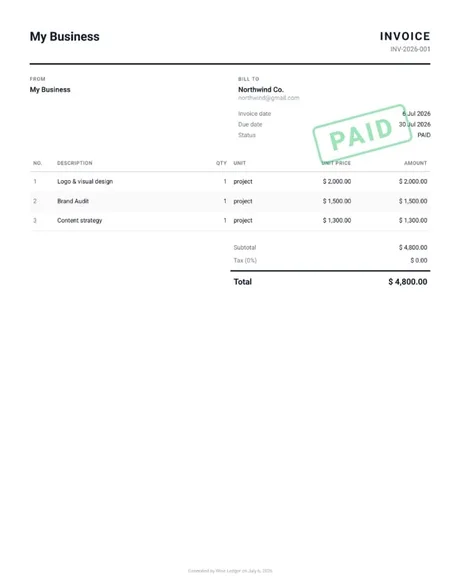
Send a branded invoice in one tap.
Create a professional invoice, send it as a PDF, and record the payment. Wise Ledger keeps track of what's paid and what's still owed.
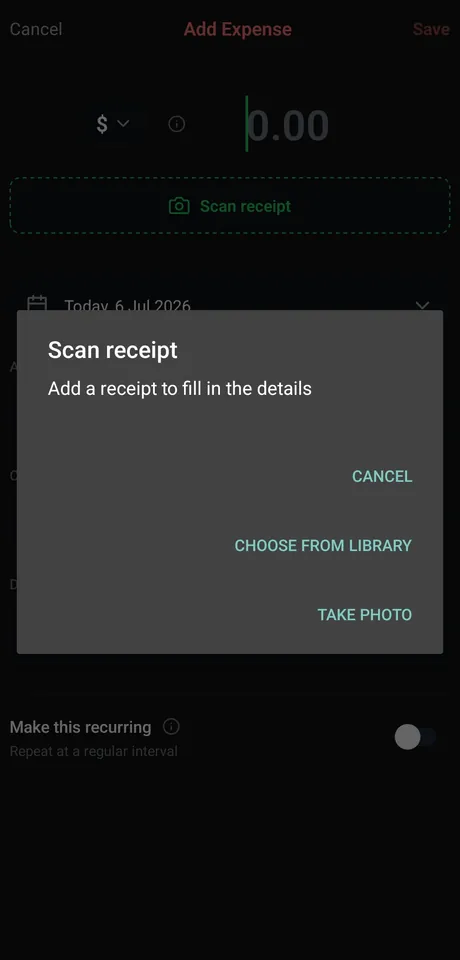
Snap a receipt. It fills itself in.
Point your camera at a receipt and Wise Ledger reads the amount, date and category for you — no typing, no lost paperwork.
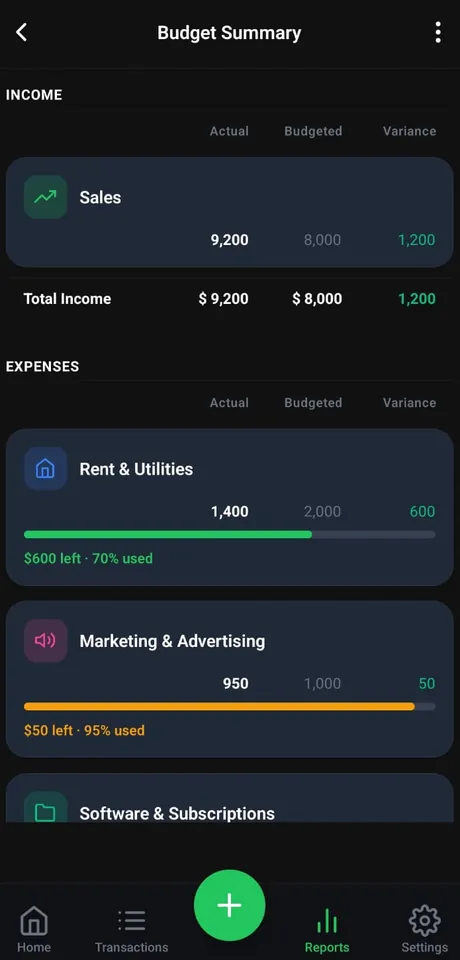
Live budget bars, before you overspend.
Set a budget per category and watch the progress bar move from green to amber to red — so you catch overspending in time to act.
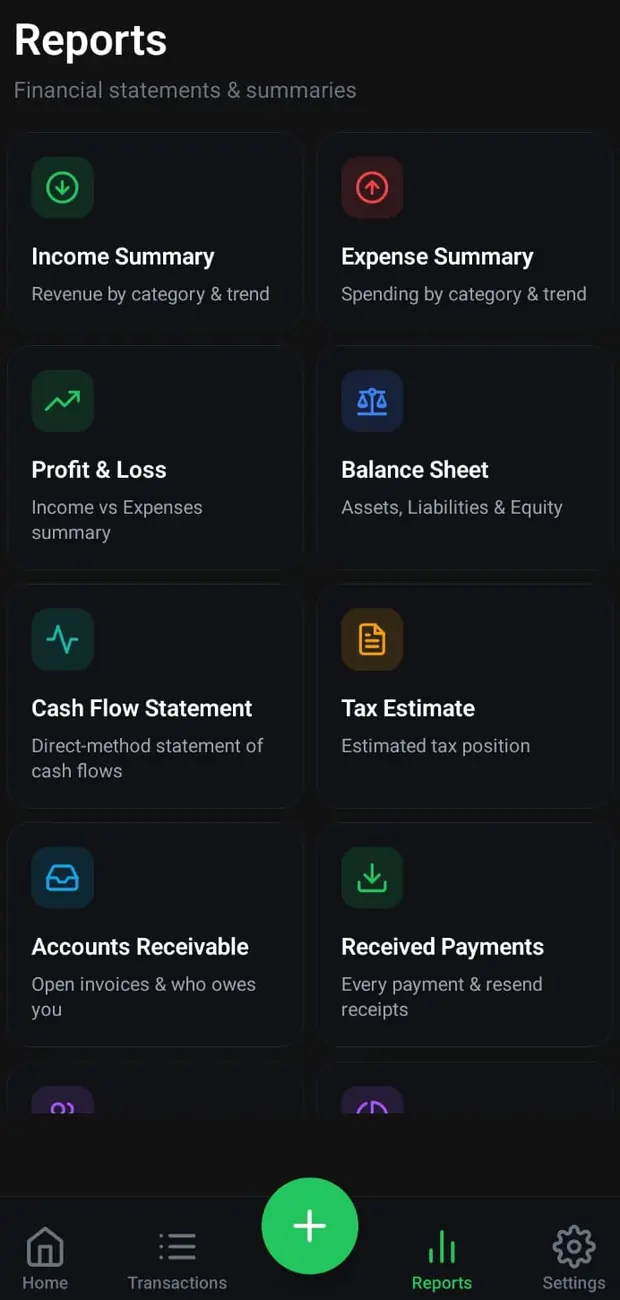
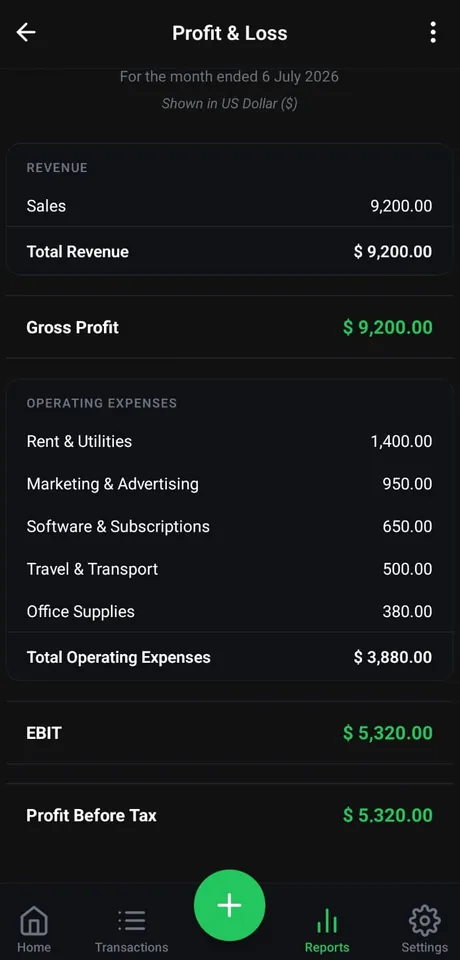
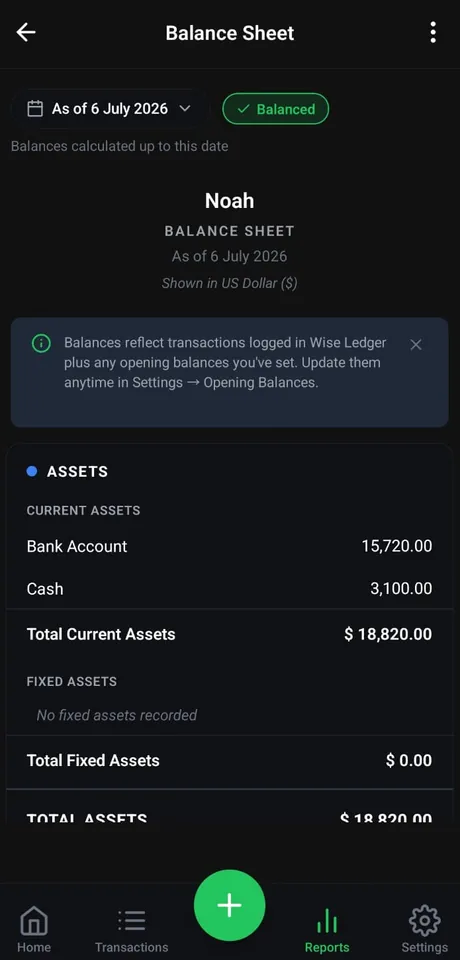
Monthly P&L and Balance Sheet, ready to share.
Month-by-month Profit & Loss and Balance Sheet your accountant will actually love — export any of them to PDF, Excel or CSV.
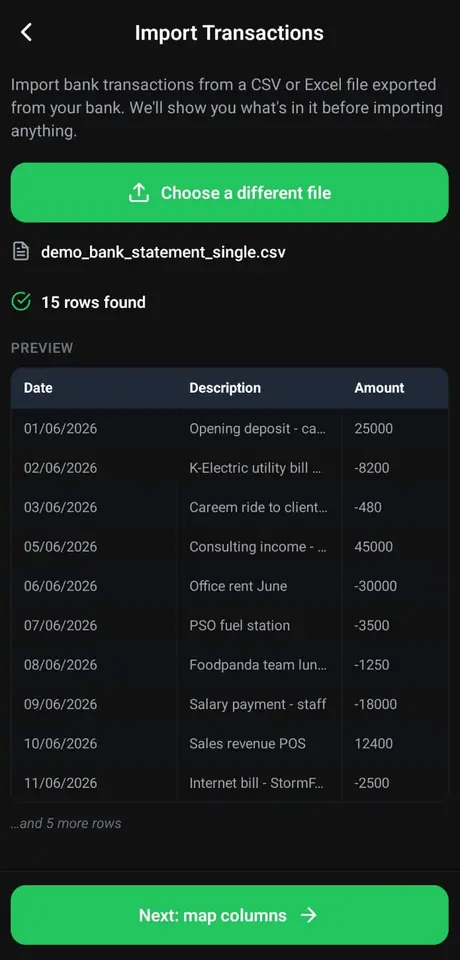
Import your bank CSV. Sorted in seconds.
Upload a CSV or Excel export from your bank, preview every row, and let Wise Ledger auto-categorize the transactions for you.
Everything your business needs,
in one place
From the first invoice to year-end statements — this business expense tracker covers the whole workflow, without the accounting jargon.
Up and running
in under 5 minutes
Start free.
Upgrade when ready.
No hidden fees, and the free plan never asks for a card. The 14-day Pro trial is card-free on the web; on Android it runs through Google Play, which takes your payment method up front and charges when the trial ends unless you cancel.
- 30 transactions per month
- 3 invoices per month
- Profit & Loss (view only)
- Income & Expense summaries (view only)
- Budgets with 80% alerts
- Everything in Free, plus:
- Full reports suite
- PDF, CSV & Excel export
- Multi-currency support
- Budget alerts & variance analysis
- Tax estimate & planning
- Recurring transactions
Regional pricing may apply and is shown at checkout in Google Play. Subscriptions are managed securely via Google Play.
Pro is an auto-renewing subscription: it renews automatically at $5.99/month or $45.99/year until you cancel. You can cancel anytime in Google Play — cancellation stops the next renewal and takes effect at the end of the current billing period.
Professional bookkeeping,
built for the way you work
Wise Ledger is a modern bookkeeping and accounting app for freelancers, sole traders, and small business owners — a simple, professional alternative to spreadsheets and heavy accounting software. Create and send invoices, scan receipts, import your bank statements, and record income and expenses; Wise Ledger instantly turns it all into your Profit & Loss statement, Balance Sheet, budget summary and tax estimate, with clean monthly breakdowns and PDF, Excel or CSV export.
Think of it as a smart cash book and money manager that does the accounting for you. Track everything in your own currency — Dollar, Pound, Euro, Dirham, Riyal, or Rupee — whether your business runs in the US, UK, Europe, the Gulf, or South Asia. Start free — the free plan never asks for a card.
Bookkeeping and expense tracking questions
Everything you need to know about bookkeeping, reports, and managing business expenses with Wise Ledger.
Is Wise Ledger a free accounting app?
Who is Wise Ledger for?
Can I manage business expenses in multiple currencies?
Can I create and send invoices?
Can I scan receipts?
Does it work as a cash book and bookkeeping tool?
Does Wise Ledger generate Profit & Loss and Balance Sheet reports?
Is my financial data secure?
Your finances. Finally clear.
Join small businesses and freelancers who track smarter with Wise Ledger.
“Start free trial” opens the web app, where the 14-day Pro trial needs no card. Starting the trial from Google Play instead takes your payment method up front and charges when the 14 days end unless you cancel.
Know when we ship
Subscribe to get updated when we ship something significant.
Protected by Cloudflare Turnstile. Unsubscribe any time.
Verification could not load, so the form is unavailable. Email support@getwiseledger.com and we’ll add you to the list.