Excel vs Accounting Software: Is a Spreadsheet Enough?
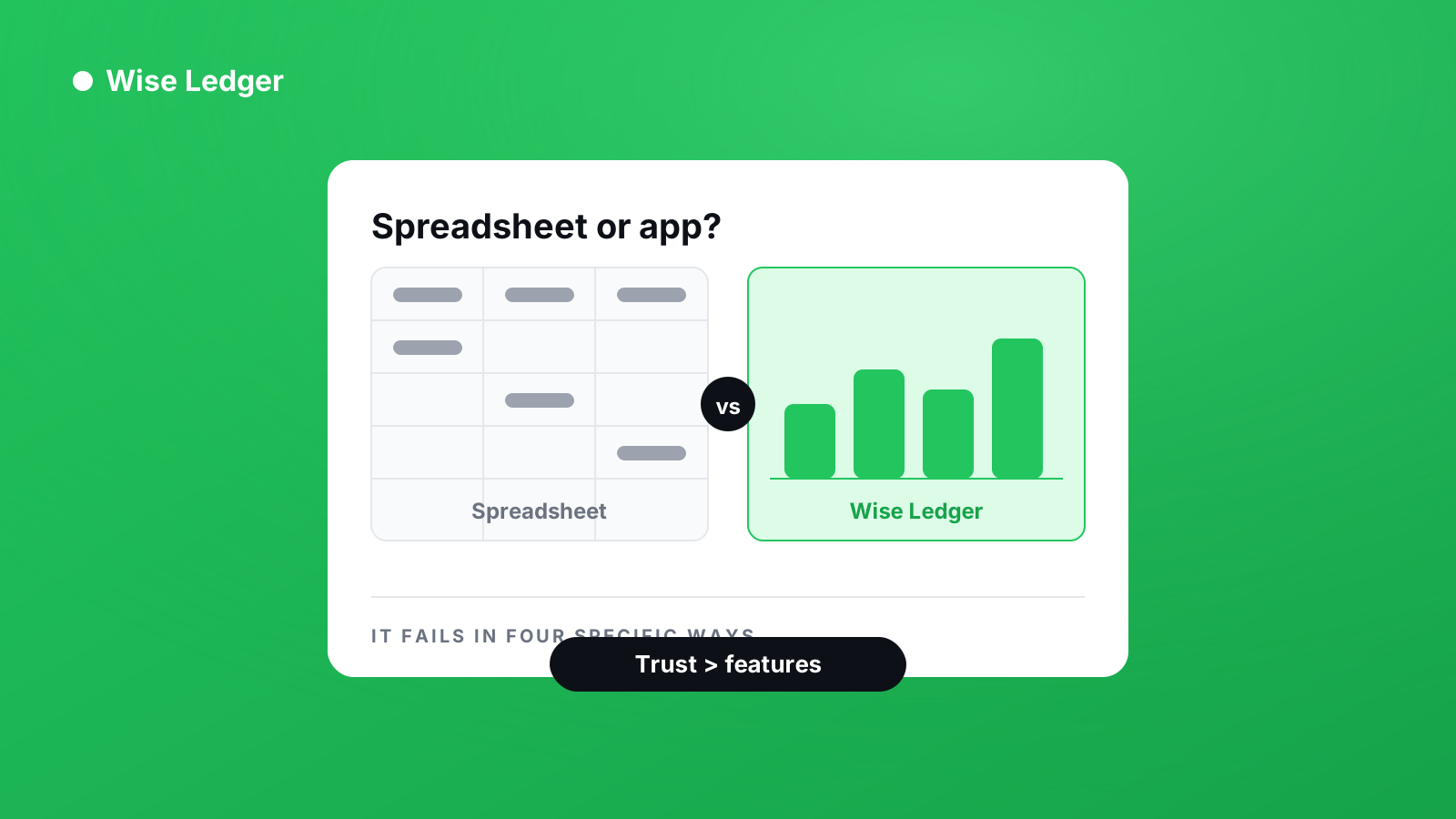
Every business accounting app markets itself against the spreadsheet. The pitch is always some version of: you are still using Excel, and that is costing you.
It is worth saying plainly that a spreadsheet — Excel, Google Sheets, whatever you use — works for longer than the accounting software industry likes to admit. Plenty of profitable businesses run on one. If yours is working, the question is not whether a spreadsheet is respectable — it is whether yours has started failing in specific, identifiable ways.
What Excel (or any spreadsheet) is genuinely good at
Be fair to the thing before replacing it.
- It is free, and it is already open on your machine.
- It does exactly what you tell it. No opinions about how bookkeeping should work.
- You can see everything at once. No screens to navigate.
- It cannot lock you out. No subscription lapse, no vendor going under.
For a business with a handful of transactions a month, one bank account, and no VAT registration, a business expense spreadsheet — Excel or otherwise — is not a compromise. It is the correct tool.
The four failures that mean it is time
A spreadsheet does not degrade gradually. It fails in specific ways, and you will recognise them.
1. You stop trusting the totals
The moment you find one broken formula, you lose confidence in every number in the file. Not because the rest are wrong, but because you now know they might be. Once you are checking the totals by hand, the spreadsheet has stopped doing its job.
2. You cannot answer a question without building something
“How much did I spend on subcontractors last quarter?” should take five seconds. If your business expense spreadsheet takes ten minutes of filtering and a new pivot table to answer it, you are doing the software’s work manually.
3. You are entering the same thing more than once
The same payment logged in the income sheet, the invoice tracker, and the tax file. Every duplicate entry is a place the three can disagree, and eventually they will.
4. Someone else needs to see it
The moment an accountant, a partner, or a lender needs the numbers, “I will send you the file” becomes a problem. Which version, from which device, with which unsaved changes?
Any one of these is tolerable. Two or more at once is the signal.
What an accounting app actually gives you
Setting aside the marketing, there are three real differences.
Entries have a defined shape. A transaction always has a date, amount, category and account. A spreadsheet lets you type anything into any cell, which is its strength and eventually its weakness.
Reports are derived, not built. Profit and Loss, Balance Sheet and Cash Flow are calculated from the same underlying records. You cannot have a P&L that disagrees with your Balance Sheet, because both come from one source.
The rules are enforced. You cannot delete a payment that a report depends on. In a spreadsheet, you can delete anything, and nothing will warn you.
What you give up
An honest list, because most articles skip it.
You lose the ability to do whatever you want. Accounting software has opinions about how transactions should be recorded, and if your business does something unusual, you will fight those opinions.
You take on a subscription, and a dependency on a company continuing to exist.
You spend a weekend moving your history across, and you will find errors in the old data while you do it.
The middle path most people miss
You do not have to choose all at once.
Run both for one month. Keep the spreadsheet as it is, and enter the same month into an app’s free tier alongside it. At the end, compare the two.
If the numbers match and the app was faster, you have your answer. If the numbers do not match, you have found something worth knowing regardless of which you keep.
One thing worth checking before you pick
Most business accounting apps use accrual accounting by default — income is recorded when you invoice, not when you are paid. If your spreadsheet currently tracks money as it actually moves, an accrual app will show you a different, higher profit figure, and the difference is money you have not received.
That is not an error. It is a different accounting standard, appropriate for larger businesses. But if you switch without realising, your first month of reports will not look like your spreadsheet did, and you will assume something is broken.
Wise Ledger records on a cash basis only — income when the payment arrives, not when the invoice goes out. If your spreadsheet works the way most small business spreadsheets work, that is the closer match.
The short version
A spreadsheet is fine until you stop trusting it, or until answering a simple question takes real work. If neither has happened, there is no urgency.
If both have, the cost of staying is no longer zero — it is the time you spend reconciling, and the decisions you make on numbers you are not sure about.
See what you've really made — and what you're still owed.