Do I Need QuickBooks If I'm a One-Person Business?
If you have started looking for accounting software, you have already been told the answer. QuickBooks is the default recommendation, from accountants, from forums, from every comparison article on the first page.
For a business with employees, inventory and a bookkeeper, that recommendation is correct.
For one person invoicing a handful of clients, it is worth asking properly.
What QuickBooks is actually built for
QuickBooks is not overkill by accident. It is built for a specific job, and it does that job well.
- Payroll. Salaries, tax withholding, employee records, filings.
- Inventory. Stock levels, cost of goods sold, valuation.
- Multiple users. You, your bookkeeper, your accountant, with different permissions.
- Bank feeds and reconciliation at volume. Hundreds of transactions a month, matched automatically.
- Accrual accounting. Revenue recognised when earned, not when paid.
Every one of those is a genuine capability, and every one of them adds a setting, a screen, and a concept you have to understand.
If you run payroll, carry stock, or share your books with a bookkeeper, stop reading comparisons. You need a full platform.
What that costs a one-person business
The subscription is the smaller cost. The larger ones are these.
Setup time. Chart of accounts, tax settings, bank connections, invoice templates. A weekend, realistically, before you record your first transaction.
Concepts you did not ask for. Accounts receivable, accruals, journal entries, undeposited funds. If you have no accounting background, these are not intuitive, and getting them wrong quietly corrupts your reports.
Features you navigate past forever. Every screen is designed for a business larger than yours. You will spend a year clicking past payroll and inventory to reach the two things you use.
A profit figure that is not your money. This is the one that catches people out, and it deserves its own section.
The accrual problem
QuickBooks defaults to accrual accounting. Under accrual, you record income when you invoice, not when you are paid.
Send a $3,000 invoice on 1 March, get paid on 30 April, and QuickBooks shows $3,000 of March income. Your March profit looks healthy. Your bank account is empty.
That is not a bug. Accrual is the correct standard for a company that needs to match revenue to the period it was earned in — and for anyone above a certain size, tax law may require it.
But if you are one person deciding whether you can pay yourself this month, a profit figure that includes money you have not received is actively misleading. Cash-basis accounting — income when the payment lands — answers the question you are actually asking.
QuickBooks can produce cash-basis reports. But it records on accrual, and every default, every dashboard figure, and every prompt assumes accrual. You are working against the software’s opinion.
The four signs you have outgrown the simple option
Be honest against these. Any one of them means you need a full platform.
1. You pay someone a salary. Payroll is not a feature you can bolt on later without pain. If you have employees, you need software built for it.
2. You hold stock. Inventory valuation genuinely requires accrual accounting and proper cost-of-goods tracking. There is no simple version of this.
3. Your accountant works in a specific package. If they use QuickBooks or Xero, that constraint outranks everything else. Ask them before you subscribe to anything.
4. Someone else touches your books. Multi-user permissions, audit trails, and role separation are platform features.
If none of the four apply, the default recommendation is not the right one for you.
What you actually need instead
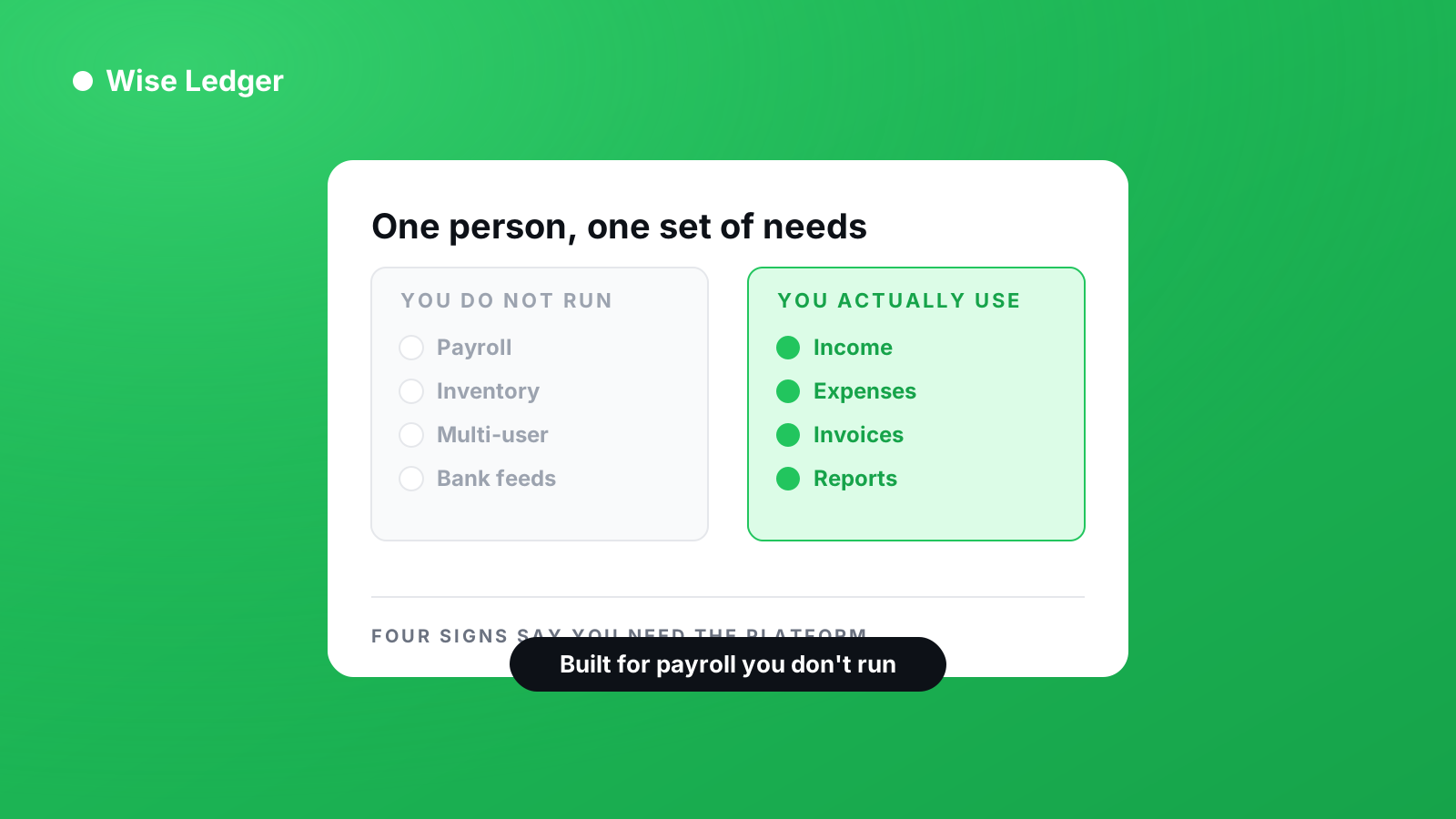
Strip away the platform features and a one-person business needs four things.
- A record of money received, when it was received
- A record of money spent, categorised
- Invoices you can send, and a list of who has not paid
- Reports at year end that your accountant can work from
That is a much smaller problem than the software market implies, and solving it does not require the most comprehensive tool available.
Where Wise Ledger fits
Wise Ledger is cash basis only. Income is recorded when the payment arrives, never when the invoice is raised. Invoices are treated as claims on future money — visible, tracked, but not counted as income until they are paid.
It has no payroll, no inventory, no bank feeds and no multi-user access. Those are deliberate omissions, not gaps waiting to be filled. If you need them, you need QuickBooks or Xero, and this is not a close comparison.
What it does have is income and expense tracking, invoicing, and Profit and Loss, Balance Sheet and Cash Flow reports, on Android, with no accounting background required.
A fair way to decide
Do not decide from comparison articles, including this one.
Take one real month of your own transactions — not sample data — and enter it into the free tier of whichever options you are considering. At the end you will know which reports make sense to you and which app you will actually keep using.
If QuickBooks earns it, use QuickBooks. It is a serious piece of software and it is the right answer for a great many businesses.
Just make sure it is the right answer for yours, and not simply the one that came up first.
See what you've really made — and what you're still owed.