How to Choose Accounting Software for a Small Business
Search for accounting software or a bookkeeping app and you will find the same six names, ranked in a slightly different order each time. QuickBooks, Xero, Wave, FreshBooks, Zoho, Sage. Every list tells you what they cost and how many invoices you get per month.
None of them start with the question that actually decides which one you need.
The question that decides it
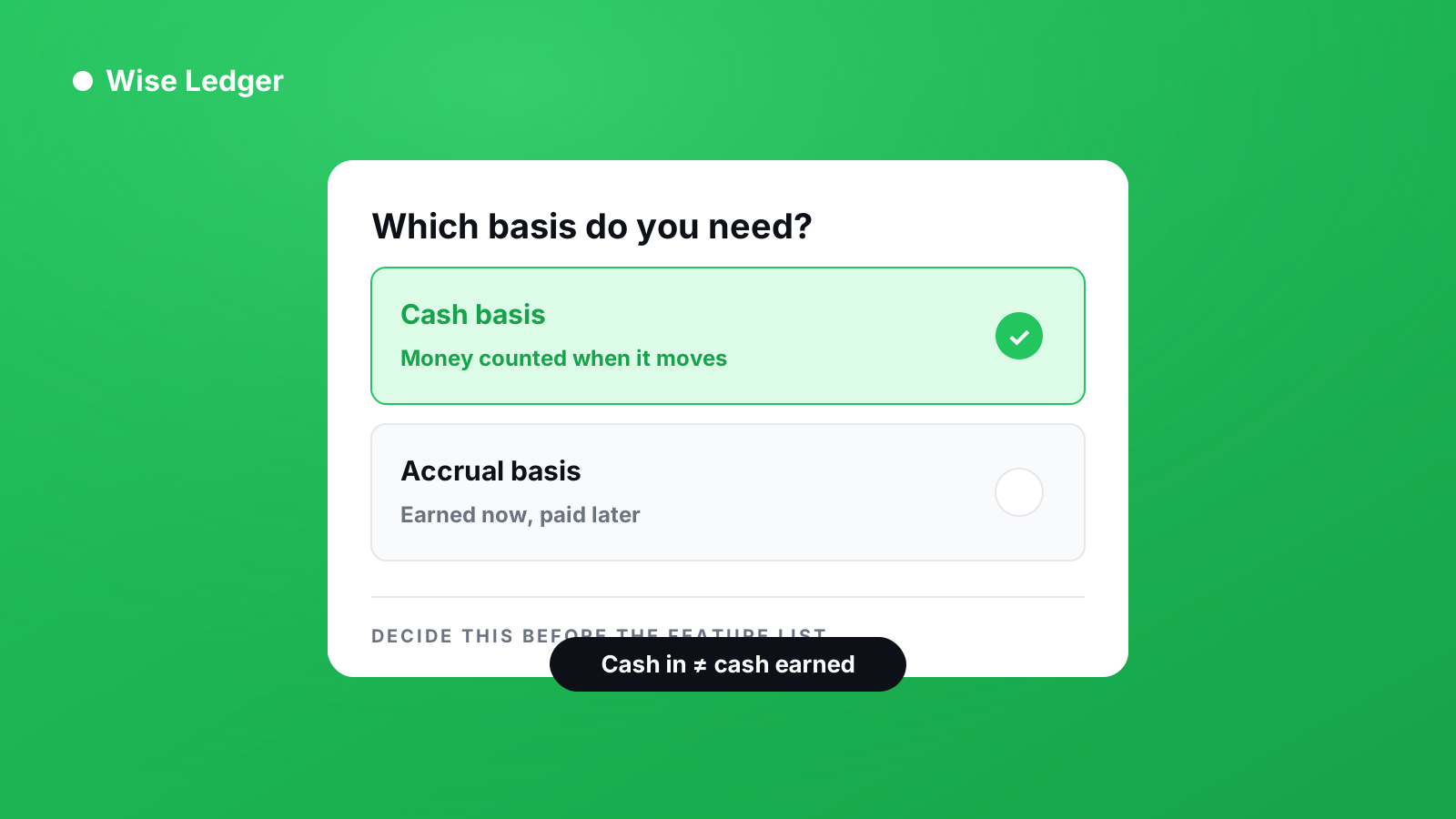
Do you need to record money when it moves, or when it is promised?
That sounds like a technical detail. It is the single largest fork in business bookkeeping, and everything else follows from it.
- Cash basis — you record income when the money lands in your account, and expenses when they leave it. If you send an invoice in March and get paid in May, it is May income.
- Accrual basis — you record income when you earn it, whether or not you have been paid. The March invoice is March income, sitting in accounts receivable until the money arrives.
Most accounting software for small businesses defaults to accrual, because that is what accountants and larger companies use. If your business is small enough that you feel the gap between invoicing and getting paid, accrual will show you a profit you have not received yet.
That is not a bug. Accrual is the correct standard for a company with inventory, payroll, and finance staff. It is simply the wrong tool for a business owner who wants to know whether there is money to pay themselves this month.
What most comparisons get wrong
Feature lists treat all features as equally useful. In practice, three things determine whether you will still be using the app in six months.
1. How long it takes to record one transaction
Not how many features exist. How many taps it takes to log a payment you just received. If the answer is more than four, you will stop doing it within a fortnight, and abandoned accounting software is worth less than a notebook.
2. Whether the reports mean anything to you
Every app produces a Profit and Loss statement. Fewer produce one you can read without an accounting qualification. Ask yourself, looking at a sample report: could you explain to someone else what this number means and where it came from?
3. What happens when you get it wrong
You will record something incorrectly. The question is whether the app lets you fix it cleanly, or whether the correction leaves a mess that compounds. Look for how the software handles voiding, deleting, and amending a recorded payment before you commit.
A practical shortlist method
Rather than comparing eleven apps on thirty features, work through four questions in order.
Do you invoice clients, or sell directly? If you invoice, you need something that tracks who owes you what. If you take payment at the point of sale, invoicing features are dead weight.
Do you carry stock? If yes, you need accrual accounting and inventory tracking, and you should be looking at the larger platforms. If no, you have far more freedom than the comparison articles suggest.
Do you have an accountant? If your accountant works in a specific package, that constraint outranks every other consideration. Ask them before you subscribe to anything.
How much of your month can you give this? Be honest. If the answer is under an hour, the deciding factor is speed of entry, not depth of reporting. A simple system you actually use beats a comprehensive one you abandon.
The honest trade-off
Simpler bookkeeping apps — lightweight accounting software, essentially — are genuinely worse at some things. They will not handle multi-entity consolidation, payroll, or inventory valuation. If your business needs those, you need a full accounting platform and probably a bookkeeper to run it.
But most small businesses do not need those things. They need to know what came in, what went out, what is still owed to them, and what they owe in tax. That is a much smaller problem than the software market implies, and solving it does not require the most expensive tool on the list.
Where Wise Ledger sits
Wise Ledger is deliberately cash basis only. Income is recorded when payment arrives, never when an invoice is raised. Invoices are treated as claims on future money, not as revenue.
That makes it the wrong choice for a business with inventory or a finance team. It makes it a reasonable choice for a small business owner who wants their reports to reflect money that actually exists.
It runs on Android, tracks income and expenses, produces Profit and Loss, Balance Sheet and Cash Flow reports, and requires no accounting background to operate.
Before you subscribe to anything
Whatever you choose, do this first. Take one real month of your own transactions and enter them into the free tier. Not a demo, not sample data — your actual numbers.
At the end of it you will know two things no comparison article can tell you: whether the reports make sense to you, and whether you will keep doing it.
That is the only test that matters.
See what you've really made — and what you're still owed.