Why a Personal Finance App Can't Run a Business
Most people who start freelancing already have a money app. Something that categorises spending, warns you when you’ve overspent on takeaways, and shows a satisfying chart at month end.
Then the first client payment lands, and the app files it as “Income” alongside a birthday gift from your aunt.
That’s the moment the tool quietly stops fitting. Not dramatically — nothing breaks. It just stops answering the questions you now need answered.
They’re built for different questions
A personal finance app exists to answer: where did my money go?
It’s a spending lens. Categorise, budget, notice you’re spending $180 a month on coffee, adjust. For managing a household that job is genuinely well solved.
A business needs a different question answered: did I make a profit, and who still owes me?
Those aren’t the same question, and the second one can’t be reconstructed from spending categories. Profit needs income and expenses separated properly. “Who owes me” needs a concept the personal app has never heard of — an invoice that’s been sent but not paid.
Four things that break first
1. Your own money and the business’s money merge. Personal apps treat one wallet. The moment you’re self-employed, some of what’s in your account isn’t really yours — a chunk belongs to tax, and some is client money passing through. A single blended balance hides that.
2. There’s no such thing as “owed to me.” You did $3,000 of work in March and got paid $1,200 of it. A personal app sees $1,200 of income. It has no way to represent the $1,800 still outstanding, so the number you most need to act on doesn’t exist anywhere in the app.
3. Expenses aren’t categorised for tax. Personal categories are groceries, transport, entertainment. Business categories are the ones a tax return asks about — equipment, software, professional fees, travel. Recategorising a year of transactions in March is a genuinely miserable weekend. Here’s how to actually keep on top of it.
4. There’s no P&L or balance sheet. A spending chart isn’t a profit and loss statement. If you ever need to show your finances to an accountant, a lender, or a tax authority, “here’s my budgeting app” is not an answer.
The tax reserve problem
This one costs real money.
If you’re employed, tax is deducted before you see anything. Self-employed, the full amount lands in your account and some of it is not yours. In the US, self-employment tax alone runs 15.3% on top of income tax.
Set money aside as a percentage of what your personal finance app calls “income” — which includes unpaid invoices in some setups, and personal transfers in others — and you’ll reserve the wrong amount. Usually too little, discovered late.
The reserve has to come from cash actually received for business work. That’s a number a personal app doesn’t isolate.
Where the line actually is
You don’t need business bookkeeping the day you earn your first $50. A rough guide:
A personal finance app is still fine if: the income is occasional and small, you’re not invoicing anyone, and you have no meaningful business expenses.
You’ve outgrown it once: you send invoices and wait to be paid, you’re claiming expenses against tax, you need to know profit rather than balance, or someone else — accountant, lender, tax authority — will eventually ask to see the numbers.
The signal most people notice first isn’t a rule. It’s the month they can’t answer “how much did I actually make?” without a spreadsheet.
Running both isn’t a failure
The common assumption is that you replace one with the other. You usually don’t.
Keep the personal app for your household — it’s good at that. Add something that handles the business side properly. The two answer different questions and there’s no prize for forcing one tool to do both.
What the business side needs to do:
- Separate income and expenses from personal spending
- Treat an invoice and a payment as different events, so unpaid work never counts as money you have
- Categorise for tax, not for lifestyle
- Produce a real P&L and balance sheet when asked
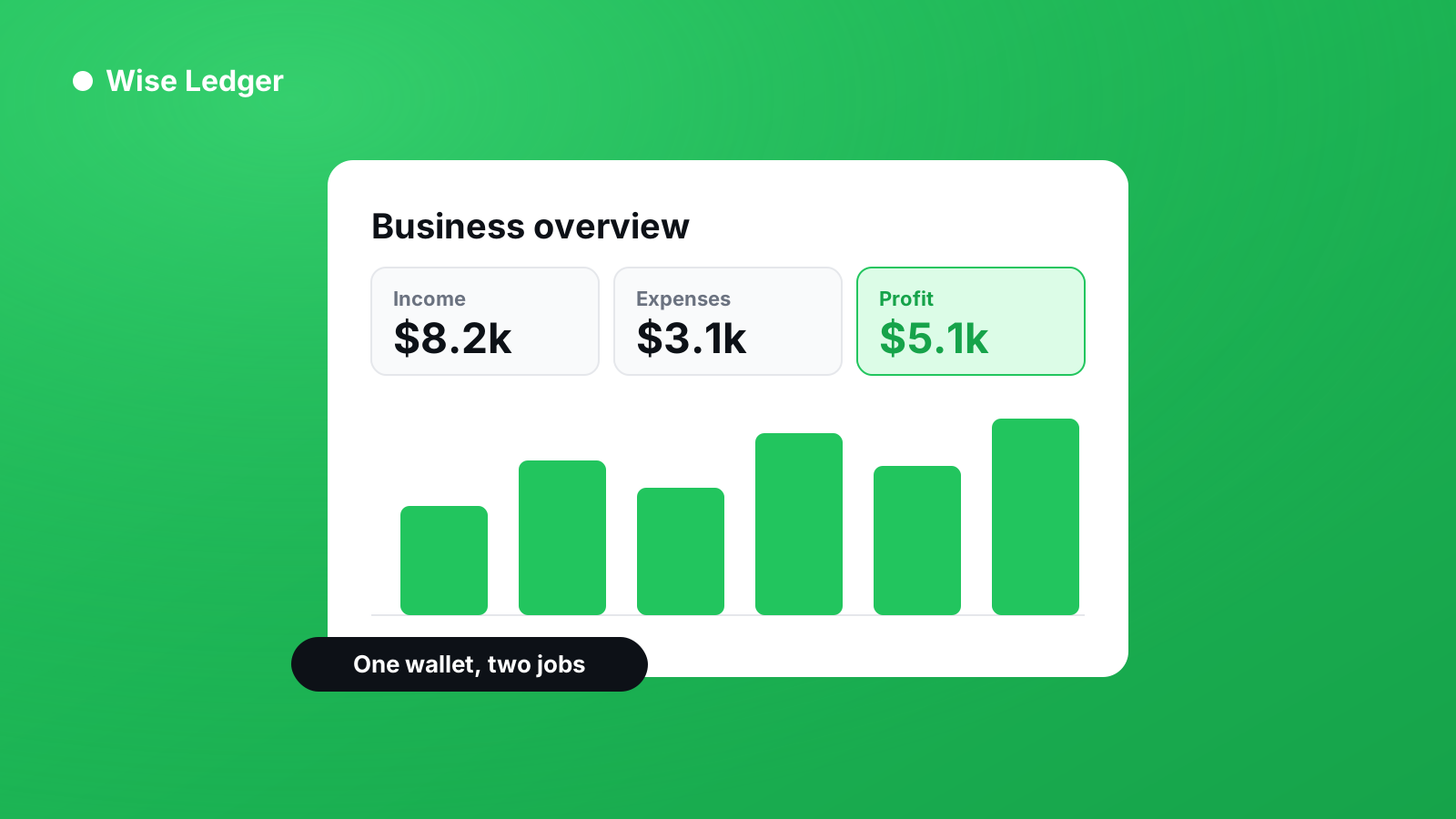
Wise Ledger does that part. It counts income when the cash actually lands, keeps outstanding invoices visible as a separate number, and turns both into a profit and loss statement, balance sheet, and cash flow without you assembling anything.
Your budgeting app can keep telling you about the coffee.
See what you've really made — and what you're still owed.